
You have reached a major milestone. You have trained, fine-tuned, and perfected your AI model. Whether it is a powerful Large Language Model (LLM) designed for customer service or a specialized NLP model for a specific vertical, your “AI brain” is ready.
But right now, it is an engine without a chassis. To bring it to life and connect it to the real world, you need to give it a voice. This is where the integration with a modern voice calling SDK becomes the most critical and exciting phase of your project.
This process is the definitive API to SDK bridge, connecting the structured, text-based world of your AI model to the fluid, real-time stream of a human conversation. While it may seem daunting, a developer-first voice calling SDK is designed to make this AI model integration a logical and manageable process.
This guide will provide a clear, step-by-step framework for how to architect this connection, enabling a real time AI call setup that is both powerful and scalable.
Table of contents
- The Architectural Blueprint: A Decoupled, Three-Part System
- Step 1: Setting Up the “Front Door” – Your Webhook Endpoint
- Step 2: The Initial Handshake – Greeting the Caller and Starting to Listen
- Step 3: The Core AI Loop – From Transcription to Response
- Step 4: Adding Production-Grade Resiliency
- Conclusion
- Frequently Asked Questions (FAQs)
The Architectural Blueprint: A Decoupled, Three-Part System
Before we dive into the code, it is essential to understand the high-level architecture. A robust voice AI application is not a single, monolithic program. It is a decoupled system of three distinct, communicating components.
- The Voice Infrastructure (The SDK’s Platform): This is the foundational layer provided by a company like FreJun AI. It is the carrier-grade engine (our Teler engine) that handles all the low-level, real-time complexity of the phone call itself.
- Your Application Server (The “Orchestrator”): This is the central “nervous system” of your application. It is a backend service that you write and host. Its job is to receive events from the voice infrastructure, execute your business logic, and send commands back to control the call.
- Your AI Models (The “Brain”): This is your stack of AI services. It includes your Speech-to-Text (STT) engine, your Large Language Model (LLM), and your Text-to-Speech (TTS) engine. These can be third-party APIs or your own self-hosted models.
The voice calling SDK is the toolkit that your Orchestrator uses to talk to the Voice Infrastructure. This decoupled design is a core principle of modern software engineering. A recent study on microservices adoption found that over 60% of organizations saw an improvement in their application’s resilience and scalability after adopting a similar, decoupled approach.
Step 1: Setting Up the “Front Door” – Your Webhook Endpoint
The entire interaction begins with an event. Your application needs a “front door” to receive these events from the voice infrastructure.
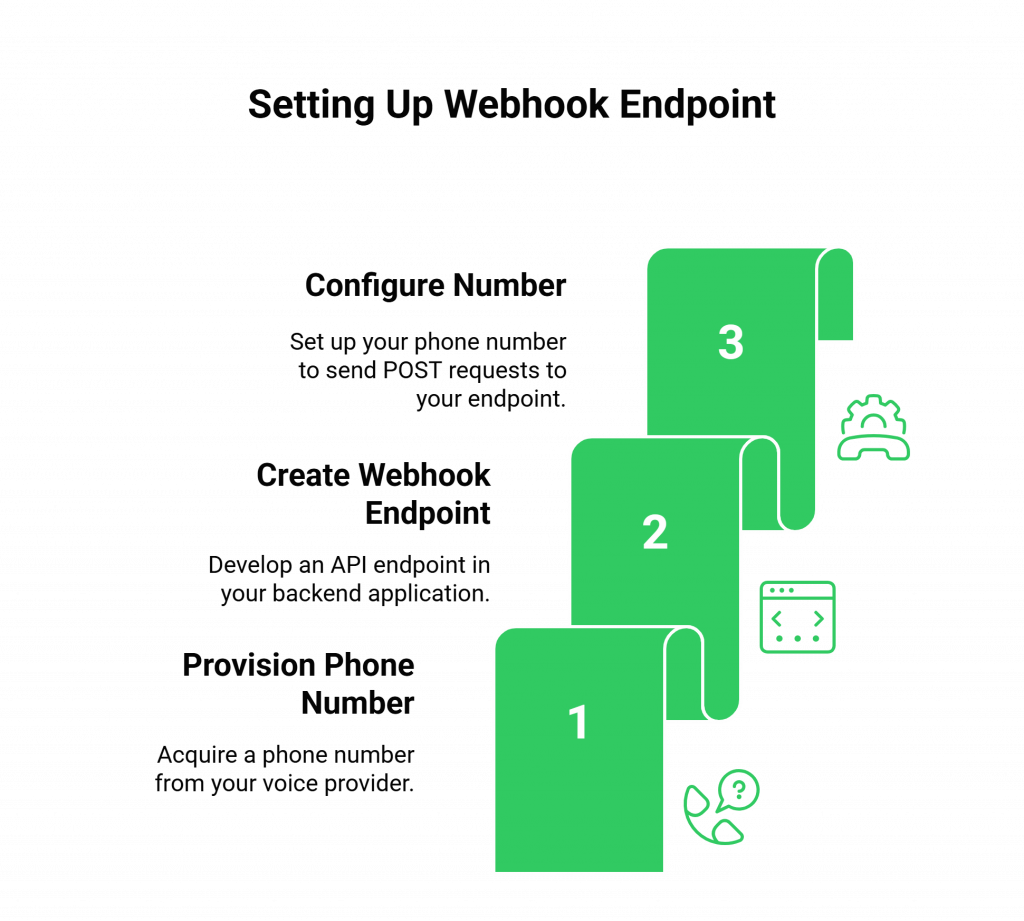
What You Need to Do
- Provision a Phone Number: Using your voice provider’s dashboard or API, acquire a phone number.
- Create a Webhook Endpoint: In your backend application, create a new API endpoint (e.g., /voice/inbound). This is a standard HTTP endpoint that can accept POST requests.
- Configure the Number: In your voice provider’s settings, configure your new phone number so that when an inbound call is received, the platform will send an HTTP POST request (a webhook) to your /voice/inbound endpoint.
Why This is a Critical First Step: This webhook is the trigger that starts your entire workflow. It is the API to SDK bridge in action. The voice platform receives the call and immediately hands off control to your application by notifying this endpoint.
Also Read: Managing Returns with AI Voice Support
Step 2: The Initial Handshake – Greeting the Caller and Starting to Listen
Your /voice/inbound endpoint has just received a webhook. Your application now knows a new call has started. Its first job is to respond with a set of instructions.
What You Need to Do
- Generate a Response: Your endpoint’s code should generate a response in the format that the provider’s API expects. For FreJun AI, this is a simple XML-based language called FML.
- Use the <Gather> Verb: The most powerful verb for starting an AI conversation is <Gather>. This single command tells the voice infrastructure to do several things in sequence.

What This Code Does
- <Say>: It first speaks the greeting using a built-in or pre-configured Text-to-Speech engine.
- <Gather>: Immediately after speaking, it starts listening for the caller to speak (input=”speech”).
- action: This is the most important part. You are telling the voice infrastructure, “When the user finishes speaking, please send me another webhook, this time to the /voice/process endpoint, and include the transcribed text of what they said.”
Ready to start building this workflow? Sign up for FreJun AI and get your API keys to see our powerful FML in action.
Step 3: The Core AI Loop – From Transcription to Response
Your /voice/process endpoint has just received a webhook. This webhook’s payload contains a crucial piece of data: the SpeechResult, which is the text transcribed from the user’s utterance. Now, the AI “brain” gets to work.
What Your Application Server Does
- Receive Transcribed Text: Your code parses the SpeechResult from the incoming webhook.
- Send to LLM: It then makes an API call to your LLM, sending this text as the prompt. You will also include the conversation history to provide context.
- Receive LLM Response: Your LLM processes the input and returns its response as a string of text.
- Send to TTS: Your server makes another API call, this time to your TTS engine, sending the LLM’s text response. The TTS engine returns a new audio stream or a URL to an audio file.
- Respond to the Webhook: Your application’s final job is to respond to the webhook from the voice platform with a new set of FML instructions.

- <Play>: This verb tells the voice infrastructure to play the audio file generated by your TTS engine.
- <Gather>: You then immediately start listening again for the user’s next response, continuing the conversational loop.
This real time AI call setup loop, Listen -> Transcribe -> Process -> Synthesize -> Respond -> Listen, is the beating heart of your voice agent.
This table provides a high-level summary of the AI model integration data flow.
| Step | Data Source | Data Destination | Key Action |
| A | Live Call (Audio) | Voice Infrastructure (e.g., Teler) | Capture raw audio from the user. |
| B | Voice Infrastructure | Your STT Engine | Stream audio for real-time transcription. |
| C | Your STT Engine (Text) | Your Application Server | Provide the transcribed user input. |
| D | Your Application Server | Your LLM Engine | Send the text prompt for processing. |
| E | Your LLM Engine (Text) | Your Application Server | Return the intelligent text response. |
| F | Your Application Server | Your TTS Engine | Send the text for audio synthesis. |
| G | Your TTS Engine (Audio) | Your Application Server | Provide the final audio response. |
| H | Your Application Server | Voice Infrastructure | Send API command to play the audio response. |
Also Read: Real-Time Driver Support via AI Voice
Step 4: Adding Production-Grade Resiliency
A prototype stops at Step 3. A production-grade system goes further by anticipating failure. A recent study on system reliability found that the leading cause of major service outages is software bugs and human error, which is why building resilient, fault-tolerant logic is so critical.
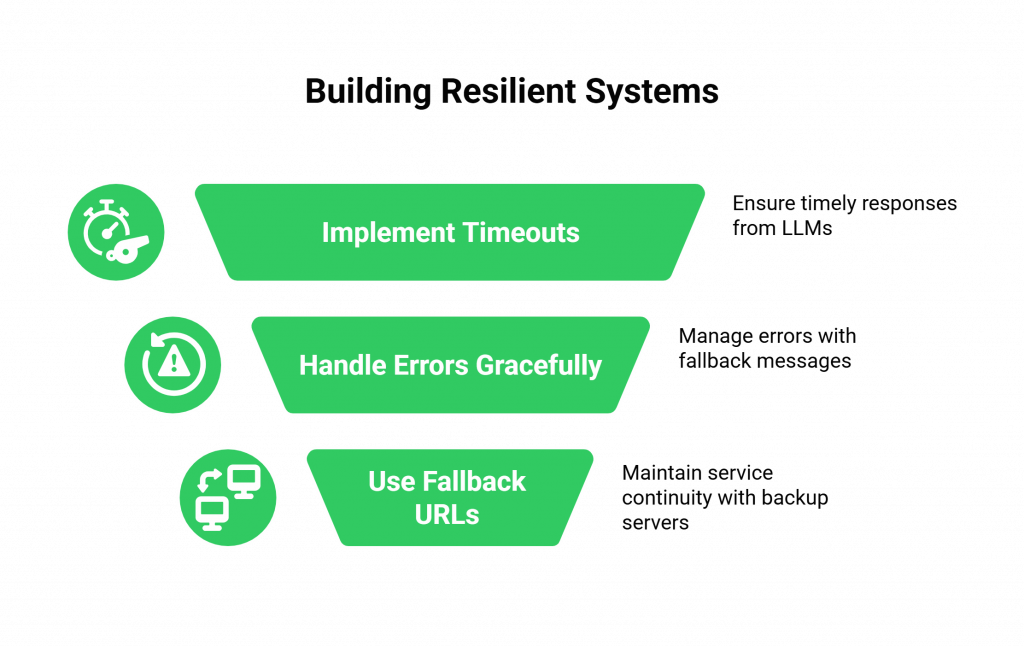
What You Need to Do
- Implement Timeouts: What if your LLM takes too long to respond? Your application should not leave the user in dead air. It should have a timeout and respond to the webhook with a message like, “I’m still thinking, one moment please.”
- Handle Errors Gracefully: What if your TTS engine returns an error? Your application should catch this and respond with a fallback message, “I’m sorry, I’m having a technical issue. Please try again in a moment.”
- Use Fallback URLs: A good voice provider allows you to configure a fallback webhook URL. If your primary application server is down and does not respond, the voice platform will automatically call your fallback server, which could play a pre-recorded outage message.
Also Read: Managing Utility Bills via AI Voicebots
Conclusion
The integration of a voice calling SDK is the final, transformative step that turns a silent, text-based AI model into a fully interactive voice agent. By following a structured, step-by-step approach and by embracing a modern, decoupled architecture, developers can successfully build this critical API to SDK bridge.
The process, from setting up the webhook “front door” to orchestrating the real-time conversational loop, is a logical workflow that any modern developer can master.
By leveraging a powerful and developer-friendly voice calling SDK like the one provided by FreJun AI, you can abstract away the immense complexity of telephony and focus on what truly matters: the intelligence and the experience of the conversation itself.
Want a personalized, hands-on walkthrough of this entire integration process? Schedule demo for FreJun Teler.
Also Read: United Kingdom Country Code Explained
Frequently Asked Questions (FAQs)
The SDK’s main purpose is to act as the API to SDK bridge, providing the tools to connect your AI’s “brain” (your LLM and other models) to the global telephone network so it can make and receive real-time phone calls.
A webhook is an automated HTTP request that the voice platform sends to your application server to notify it of a real-time event. It is the core mechanism that allows your application to control the real time AI call setup.
No. A key benefit of a modern, decoupled platform like FreJun AI is that you are not locked in. The voice calling SDK allows you to perform your TTS and STT integration with any third-party or self-hosted models you choose.
FML stands for FreJun AI Markup Language. It is a simple set of XML-based tags (like <Say> and <Gather>) that your application server uses in its webhook response to tell our voice infrastructure what actions to perform on the live phone call.
Your application server is responsible for managing the state. With each webhook request you receive, you will typically get a unique CallSid. You can use this ID as a key to store and retrieve the conversation history from a database or a cache (like Redis).
The biggest difference is the need to manage real-time latency. A voice conversation is synchronous and unforgiving of delays, whereas a text chat is asynchronous. Your entire AI model integration for voice must be optimized for speed.
It is the reverse of an inbound call. Your application makes a single API call to the voice platform to initiate the outbound call. When the call is answered, the platform sends a webhook to your application, and the same conversational loop begins.
The STT engine may produce an inaccurate transcription. Your LLM’s logic should be designed to handle this. For example, if it receives a transcription that it does not understand, it should be programmed to respond with, “I’m sorry, I didn’t quite catch that. Could you please say that again?”
A decoupled architecture, which separates the voice infrastructure from your AI logic, is more scalable, more resilient, and far more flexible. It allows you to upgrade or change your AI models without ever having to touch your voice connectivity layer.
FreJun AI provides the foundational “Voice Infrastructure” layer. Our Teler engine and our voice calling SDK provide the secure, reliable, and low-latency platform that handles all the complex real-time communication, allowing you to focus on your “Orchestrator” and “AI Brain” components.